No-code stacks that hold up after the demo
A no-code stack is easy to assemble and hard to keep. What breaks first, what to pick for the parts that matter, and when to stop adding tools.
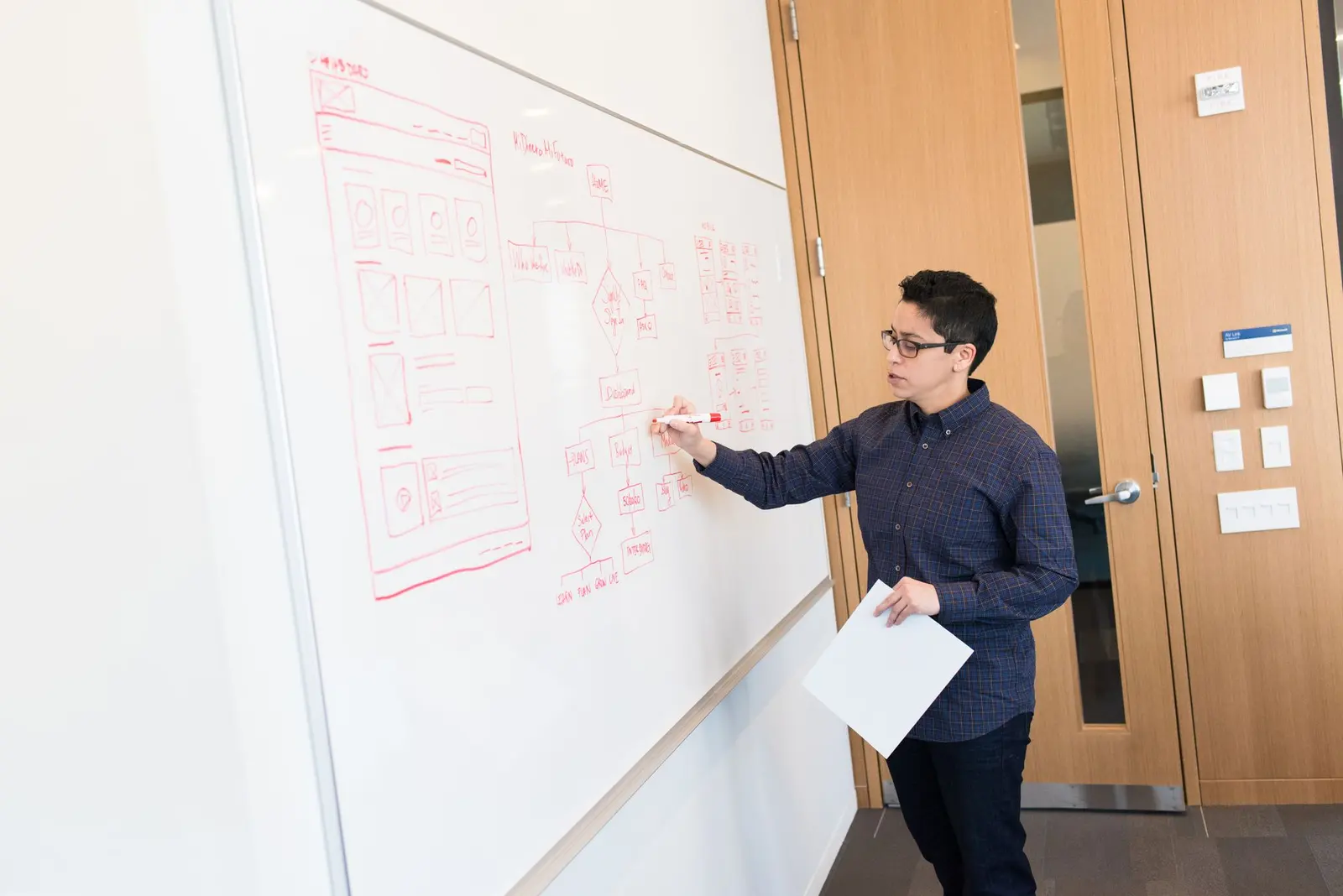
Every no-code demo ends the same way: a diagram. Three or four boxes, arrows between them, someone saying "and that's the whole stack" with the particular pride of a person who built something real without a line of code. It's a fair thing to be proud of. We've built those diagrams too, and the tools involved — a database, a front end, an automation layer — are each genuinely good at the job they do. The demo is not a lie.
The diagram that matters is the one nobody draws: the same stack on day three hundred, after two schema changes, a pricing update on one of the tools, a team member who left and took the login for one of the accounts, and an automation that has been silently not firing for six weeks because a field got renamed. That diagram has the same boxes. It has different arrows, and some of the arrows are just gone.
The thesis of this piece is narrow on purpose: no-code stacks fail at the joins, not at the tools. The individual pieces — the database, the interface builder, the automation platform — do what they say they do, reliably, for as long as you use them the way the demo used them. What degrades is the connective tissue between pieces, and the amount of connective tissue is a direct function of how many tools you've asked to talk to each other. Count the joins before you count the features.
When the job is one page, skip the stack
Before getting into stacks properly, it's worth saying where the entire question doesn't apply: a stack solves the problem of several kinds of content that need to interact — records, a browsable interface, triggers between them. A large share of what people reach for a no-code stack to build is actually just one page. A portfolio. A CV that should be a URL. A one-person consultancy's front door. None of that needs a store, an interface and an automation layer wired together, and building it as if it does is exactly the kind of over-assembly this piece is arguing against.
For that specific job, reach is the tool worth naming, because it removes the stack question rather than answering it. You upload the CV you already have, answer a short profile form, choose a look, and the page is generated in about twenty seconds — you can be live at a free subdomain in under two minutes. There's no interface layer to wire to a data store, because the CV is the data store and the generated page is the interface, done in one pass. That's not a workaround; it's the correct number of tools for a one-page job, which is one.
It's also a narrow tool, deliberately, and the limits are worth stating as plainly as the speed. reach makes exactly one page — one index.html, no sub-pages, no site tree, no CMS behind it. There's no e-commerce and no contact form that posts anywhere, just a mail link. The moment your actual requirement is "an About page and a Services page and a way to manage twenty case studies," you are back in stack territory and reach is the wrong tool for it, not a smaller version of the right one.
The three roles a stack actually has to fill
Nearly every no-code stack we've taken apart — ours and other people's — reduces to three roles, no matter how many logos are in the diagram.
Store. Something holds the records. This is usually Airtable, sometimes a lighter tool like Notion pressed into service as a database, occasionally a proper hosted Postgres instance once the stack has outgrown spreadsheet-shaped tools. We've written up the specific trade-offs between the two most common choices in Airtable versus Notion as a database, and separately laid out how to choose between all of them in choosing a no-code database — the short version is that this is the decision that matters most and gets made fastest, usually in the first afternoon, before anyone has thought about what leaving would cost.
Interface. Something turns those records into something a person other than the builder can use — a client portal, an internal directory, a booking page, a member area. This is where tools like Softr, Glide and Stacker live, each reading from the store and rendering views, forms and permissions on top of it. We tested the current field in no-code app builders, tested, and the pattern that holds across all of them is the same: the interface tool is a lens on the store, not a second copy of the data, and the moment it becomes a second copy — because someone exported and re-imported once, under deadline — the stack now has a sync problem nobody assigned to anyone.
Automation. Something moves data between the other two, or out to email, Slack, a calendar, a payment processor. Zapier and Make are the usual choices, and native automation inside the store itself — Airtable's own automations — is the quiet fourth option that avoids a join entirely, which is precisely why it deserves more credit than it gets.
Three roles. The rot starts almost every time from the same place: more than one tool per role. Two databases because someone needed a field the first one couldn't add fast enough. Two interface layers because the internal team uses one and the client-facing view uses another, both reading the same store on separate schedules. Two automation platforms because a migration got started and never finished. Each of those doublings looks, in the moment, like a reasonable answer to a specific problem. It is also, structurally, a second version of a role that already had an owner, and now two things can disagree about what's true.
Every join is something that can stop firing silently
The particular danger of a no-code join, as distinct from an API integration a developer built and monitors, is that it fails quietly. There is no error page. There is no on-call alert. A Zap can stop firing because a field it referenced by name got renamed in the source table, and the automation platform will not tell you — it will just not run, and the record that should have moved will sit where it is, and the person expecting it will assume it's coming.
This is the part the demo cannot show you, because a demo happens once, on data nobody has touched yet. The failure mode needs time and a second person to show up: someone edits a view they don't fully understand the downstream effects of, six weeks pass, and the automation that used to send a welcome email or update a status field has been silently dead the entire time. Nobody built a monitor for it because nothing in the stack asked you to. Every join is a place this can happen, which is the whole argument for minimizing the count rather than trusting each individual join to be reliable — they mostly are reliable, right up until someone touches the thing on either end of them.
The fix that actually works is boring: fewer joins, and the ones you keep, named and owned by a specific person who checks them on a schedule that has nothing to do with whether something looks broken. A join with an owner gets checked. A join with no owner gets discovered broken by a customer.
Data gravity locks you in harder than the front end
The interface layer feels like the important decision because it's the part people see — the client-facing portal, the polished view. It is, in practice, the easiest piece to replace. Softr to Glide to Stacker is a weekend of rebuilding views, not a data migration, because none of them own the data.
The store is different, and this is the decision people treat as reversible that isn't. Once formulas, linked records, rollups and views are built up inside a specific database tool, moving the data out means moving the logic out too, and the logic rarely translates cleanly. An Airtable base with two years of linked-record relationships and rollup fields does not export to a clean Postgres schema — it exports to a pile of CSVs that no longer know how they relate to each other, and someone has to rebuild the relationships by hand on the other side. That's the real meaning of data gravity: not that the data is hard to copy, but that the structure around the data doesn't survive the copy.
Choose the store like you're choosing the one thing in the stack you will still be using in three years, because you probably will be, whether or not the tools around it survive that long.
Cost of ownership when four tools each raise prices on their own schedule
A stack assembled from four independent vendors has four independent pricing decisions happening to it, on four different calendars, none of them coordinated with each other or with you. One tool's tier boundary moves and pushes you into the next bracket. Another changes what counts as a "record" or a "task" for billing purposes. A third deprecates the plan you're on and migrates you to a new one with different limits at renewal. None of these show up as a single line item you'd notice — they show up as four separate small increases that, added together, are the real cost of the stack, and that real cost is never the number anyone quoted when the stack was assembled.
The fix isn't a specific tool choice; it's tracking total cost quarterly rather than per-subscription, because per-subscription is exactly the view that hides the compounding. A stack that looked like $60 a month across three tools when you built it is worth re-adding on a fixed date, not when a bill surprises someone.
Stacks we've watched hold up, and one that didn't
The three-piece stacks that survive tend to share a shape: one database doing the actual relational work, one interface tool reading from it without a second copy of the data anywhere, and automation kept inside the database platform itself wherever that's an option, with an external automation tool reserved only for the handful of triggers the database genuinely can't do on its own — usually anything that has to talk to a calendar or a payment processor. That's two joins, sometimes one, and both of them have an obvious owner because there's only one interface and one store to point at when something's wrong.
The stack that rotted — and we've seen this shape often enough that it's a pattern, not an anecdote — had seven pieces doing the work three could have done: two databases because a second team started their own base rather than requesting a table in the first one, two interface layers for internal and external users that each read from a different one of those databases, and three automation flows stitching the whole thing together because nothing was talking to anything else on its own. Every one of those seven pieces was, individually, a perfectly good tool used exactly as advertised. The failure was entirely in the count. Nobody could say with confidence which of the seven pieces currently held the correct version of a given record, which is the actual definition of a stack that has stopped working, whether or not anything has visibly broken yet.
| Stack shape | Pieces | Joins | Typical failure |
|---|---|---|---|
| Store + interface, automation native | 2 | 0–1 | Rare — the automation is inside the tool that owns the data |
| Store + interface + one automation tool | 3 | 2 | Occasional silent misfire, usually caught within days |
| Two stores + two interfaces + automation stitching them | 7 | 6+ | Disagreement about which copy is current; nobody notices for weeks |
The point at which the honest answer is a developer and Postgres
There's a specific signal that the stack has outgrown no-code, and it isn't complexity in the abstract — plenty of complex things run fine on Airtable and Softr for years. The signal is when you're writing formulas whose entire purpose is to work around a constraint the tool won't let you configure directly: a rollup chained through three linked tables to fake a query the database would do natively in one line, or an automation that runs on a schedule purely to recompute something that should be computed on read. At that point the no-code tool isn't saving you time anymore; it's costing you the time it takes to build the workaround, and it will cost that again the next time the workaround needs to change.
That's the point to hire a developer and move the store to a real Postgres database with an actual schema, and to be honest about what that trade costs: real money, a dependency on a person rather than a subscription, and the loss of the thing no-code was buying you, which was that anyone on the team could open the base and understand what was in it. We've laid out the fuller version of that decision, including what tends to survive the move and what doesn't, in where no-code hits its ceiling. The honest version of that piece of advice is that most stacks never get there, and the ones that do usually knew for months before anyone said it out loud.
Count the joins, not the boxes. A stack with three boxes and two joins that everyone can name will outlast a stack with four boxes and a diagram nobody's redrawn since launch.
Questions people ask
- How many no-code tools should a stack have?
- As few as the three roles allow — one for the data store, one for the interface, one for automation. Every additional tool in the same role adds a join, and joins are where stacks actually fail.
- Why does a no-code stack break months after launch instead of on day one?
- The demo only exercises the happy path. Renamed fields, changed record types and edge-case inputs show up later, and each one can silently break an automation without producing an error anyone sees.
- When should a no-code stack be replaced with custom code?
- When the number of joins needed to keep the tools talking to each other exceeds the number of joins a single database schema and a script would need — usually the point where you are writing formulas to work around what the tools won't let you configure directly.
Everything in this series
- Notion as the whole workspace, a year laterWe ran everything in Notion for a year. What it absorbed successfully, what it should never have absorbed, and what we moved back out.
- When no-code hits its ceiling, and what it costs to notice lateEvery no-code project has a ceiling. The four warning signs that you have reached yours, and the least painful way down from it.
- Choosing the database under your no-code stackThe database decides what your stack can do later. Five questions that pick between Airtable, Baserow, Supabase and a spreadsheet.
- Building an internal tool without a developerA practical route from spreadsheet chaos to a small internal tool, with the four decisions that determine whether it survives handover.
- Form tools compared: Tally, Typeform, Fillout and a plain HTML formFour ways to collect answers, tested on the same three-question form and the same messy follow-up requirements.
- No-code app builders tested on the same internal appBubble, Glide, FlutterFlow and Softr, each building the same small internal app. Where each one stopped being faster than code.
- Airtable vs Notion databases: the differences that biteBoth look like a table with extra columns. The differences appear at ten thousand rows, in linked records and in what the API will give you.